Know what's in every property
Property asset tracking that knows what's at each property: what it is, how old it is, what's covered and what's been repaired. Every job adds to it, so the next decision starts with the full picture. Used by single-family, multifamily, new construction and warranty teams.
Add your first propertySee how Smart Shop uses it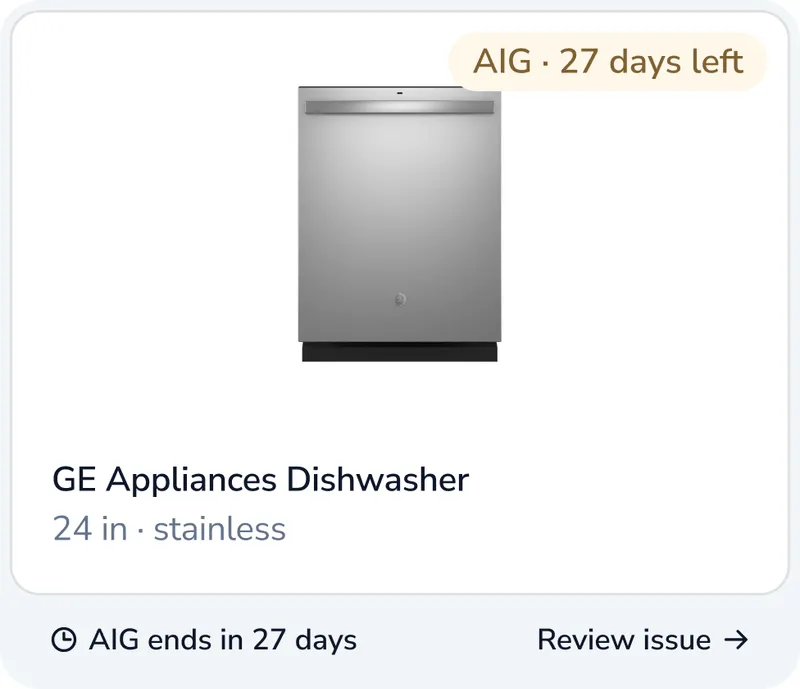
Before anyone drives out, someone has to know what's there.
A tech gets a work order for a dead dishwasher. Nobody knows the brand, the size, whether it's gas or electric, or if it's still under warranty. So the first trip is to find out, and the second trip is to fix it.
That information exists. It's in old invoices, a spreadsheet one person maintains and the head of whoever did the last turn. Across a portfolio, it's in none of those places reliably.
What property asset tracking looks like in Sibi
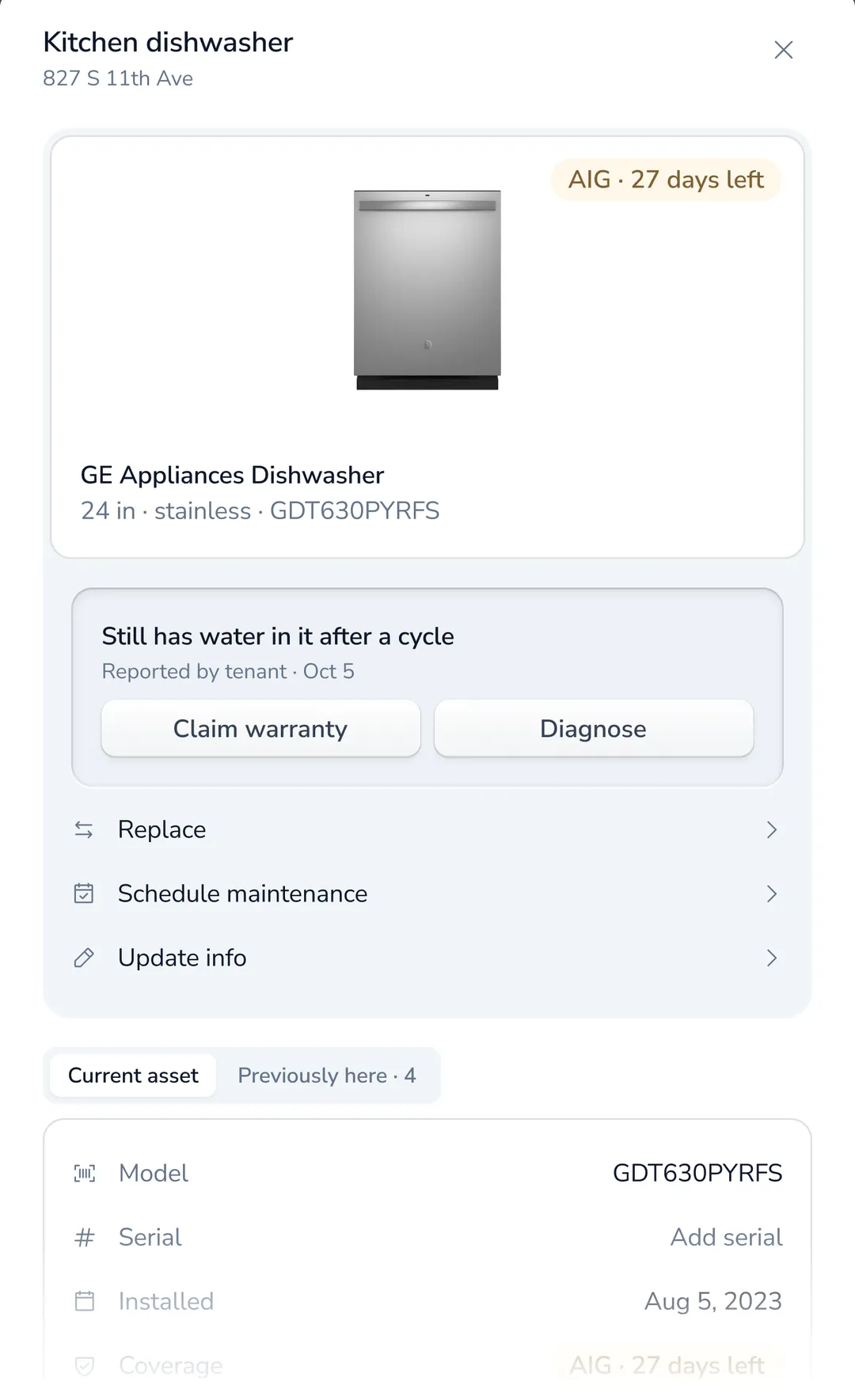
Sibi organizes each property by room and by the things in it, like the kitchen dishwasher or the water heater closet. For each one, you can see what's there, what's happened to it and what to do next, so no one makes a trip just to find out.
What's there now
Make, model, serial and install date for everything at the property, kept current as work gets done.
What's happened
Orders, repairs, claims and tenant reports on one timeline, so repair-or-replace decisions start from the full history.
What needs attention
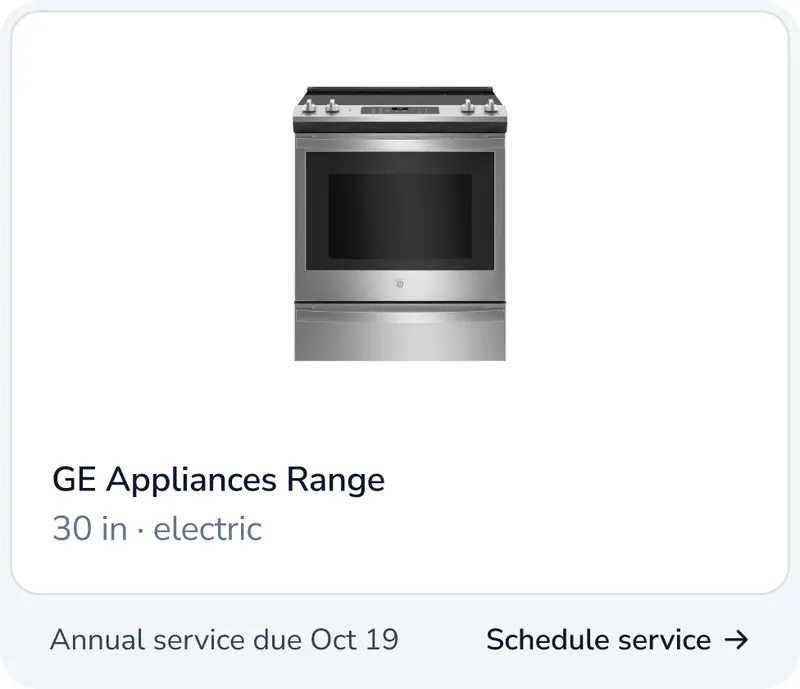
Coverage ending, service due or repairs adding up show up with the next step one click away.
Start with what you already have
You don't have to start from zero. Sibi fills in the rest as you work.
Add what's there
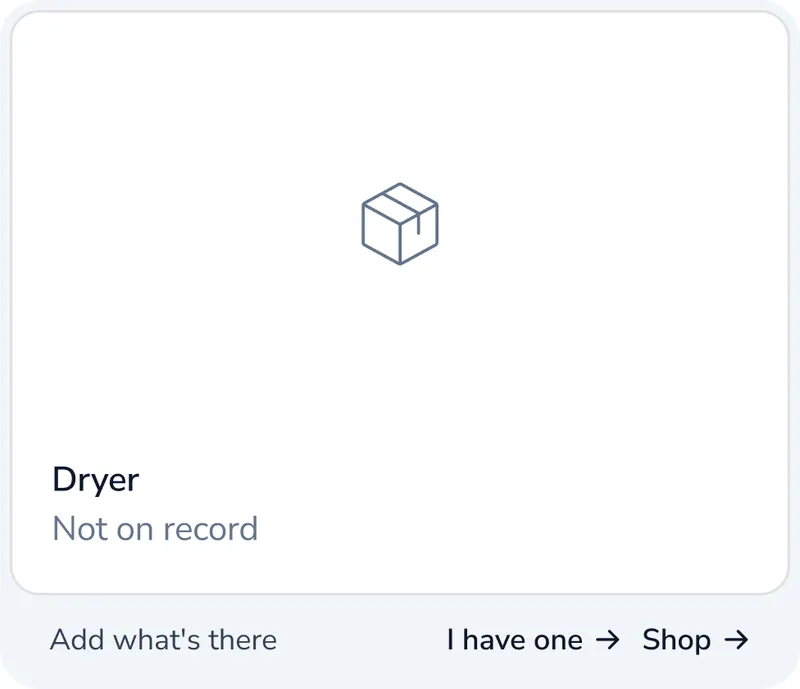
Enter an appliance or system and Sibi looks up its warranty and specs.
Upload a spreadsheet
Send a CSV of your assets, or we'll help you load it.
Connect your systems
Bring in assets from the software you already use.
Fewer first trips, fewer wrong parts
Knowing what's there means the right part on the first visit, and warranty claims that get filed.
Send the right person with the right part
Open the property and see everything in it, what's there and what's due, before the work order goes out. No first trip just to take a look.
Catch warranty before it ends
The property shows the days left on coverage, so a claim gets filed while the item is still covered.
Trusted with 5 million+ properties.
Every job makes the next one easier
The work doesn't end when something is bought. Sibi saves what happened, so the property is never out of date.
Something breaks
Sibi shows what's there and whether it's still covered.
Choose how to fix it
Diagnose, repair or replace. Sibi can help you find a pro who uses Sibi.
The right product is ordered
Smart Shop picks a product that fits the property and your rules, then registers its warranty.
The work is done and saved
Sibi saves what was installed, its warranty and what the pro did.
Next time, Sibi already knows
The next decision starts with the full history.
Example
The kitchen dishwasher fails with 27 days left on its warranty. Sibi flags the claim, Smart Shop finds a 24-inch electric match, and when the job is done the new model and its warranty are saved to the kitchen.
The more work runs through Sibi, the smarter the next decision gets.
Set a rule once. Sibi follows it every time.
As you manage your properties, Sibi notices what you repeat and offers to save it as a rule, so you stop making the same decision twice.
Warranty about to end
If a manufacturer warranty is about to expire, register an extended AIG warranty automatically.
- If
- Warranty ends in 30 days
- Then
- Register AIG warranty
Spending limit
Never spend more than $2,500 on one purchase at properties in Phoenix.
- If
- Purchase over $2,500 in Phoenix
- Then
- Held for your approval
Repair or replace
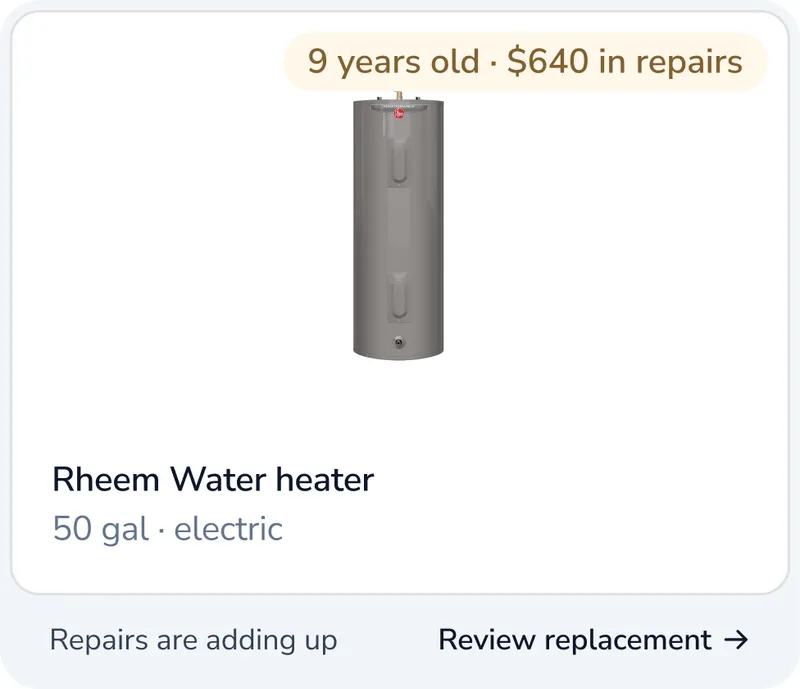
If a water heater is 9 or more years old, has no warranty and repairs have passed $600, find a pro to replace it.
- If
- 9+ years, no warranty, $600+ repairs
- Then
- Find a pro to replace it
Rules can also work as a template. Set one for a type of property and every property of that type follows it.
Spreadsheet or property asset tracking?
How the two compare for keeping track of what's in a property.
When a spreadsheet is enough
A spreadsheet works for a handful of properties. It breaks down when the facts have to stay current across a portfolio.
| Comparison | Spreadsheet | Sibi property record |
|---|---|---|
| Where the facts come from | Typed in by whoever remembers, with no record of the source. | Filled in from orders and installs, with each fact labeled verified or entered. |
| Staying current | Out of date after the next turn unless someone updates it. | Every order and job updates the property automatically. |
| After a job | Someone has to remember to update it. | The job updates the property automatically. |
| Rules | Written down somewhere, if at all. | Saved once and followed on every order. |
| Across a portfolio | One file per person or market. | The same facts for every property and office. |
Property records, answered
How it fills in, what it covers today and what it costs.
How facts get in
Every order, warranty claim, repair and diagnosis adds to the record, along with what comes in from your own systems and integrations.
Last updated October 9, 2026
What does a property record include?
Each property is organized by room and by the things in it, like the dishwasher. For each one, Sibi shows the current item (make, model, serial and install date, with where each fact came from), its warranty, and its repairs, claims and tenant reports on one timeline. It also shows what to do next, such as filing a claim, scheduling service or replacing it. It remembers opening size and power, so replacements fit.
How is a property record different from a spreadsheet?
A spreadsheet is typed in by whoever remembers, so it goes out of date after the next turn and records no source for each fact. A Sibi property record fills itself in from orders and jobs, labels each fact as verified or entered, keeps warranty, repairs and claims on one timeline, and updates when a job is done. A spreadsheet works for a handful of properties. It breaks down when the facts have to stay current across a portfolio.
How does Sibi learn what's at my properties?
You can add what's already there, upload a spreadsheet of assets or connect your systems. Anything added by hand is labeled, so you can tell it apart from verified items. After that, Sibi keeps learning. Buying through Sibi registers the warranty where the manufacturer allows it, a breakdown tells you whether you're covered, and every job done through Sibi saves its diagnostics and repairs to that item.
Can Sibi take care of routine work for me?
Yes, inside rules you set. As you work, Sibi can offer to save a repeat decision as a rule, such as registering an extended warranty before one expires, or finding a pro to replace a water heater that is old, out of warranty and costing too much to repair. Anything outside your rules waits for you, and everything Sibi does shows on the property.
Can Sibi help me find a pro?
Yes. For a diagnosis, repair or replacement, Sibi can help you find a pro who uses Sibi. The pro does the work, and what they find and do is saved to the property.
How does warranty work?
Sibi registers your warranty. AIG coverage shows in Sibi across items and properties. For AIG coverage, labor coverage starts on day 31 after installation, and claims in the first 30 days aren't eligible because that window covers installation errors and manufacturer defects.
How do I make every property follow the same rules?
Admins set approved products, spending limits and other rules for all offices or for a specific one. Smart Shop recommends from your approved list, and in the shop you can filter to approved products only, which are marked with an ice cream icon on the product card.
What does it cost?
Free to sign up, with no subscription and no platform fee. Self-serve covers portfolios up to 50 properties and all pros. Larger portfolios go through the Sibi team.