Procurement intelligence for multifamily.
Sibi is where multifamily teams buy, and where the data that runs procurement lives. Every purchase connected to every decision it informs.
Get started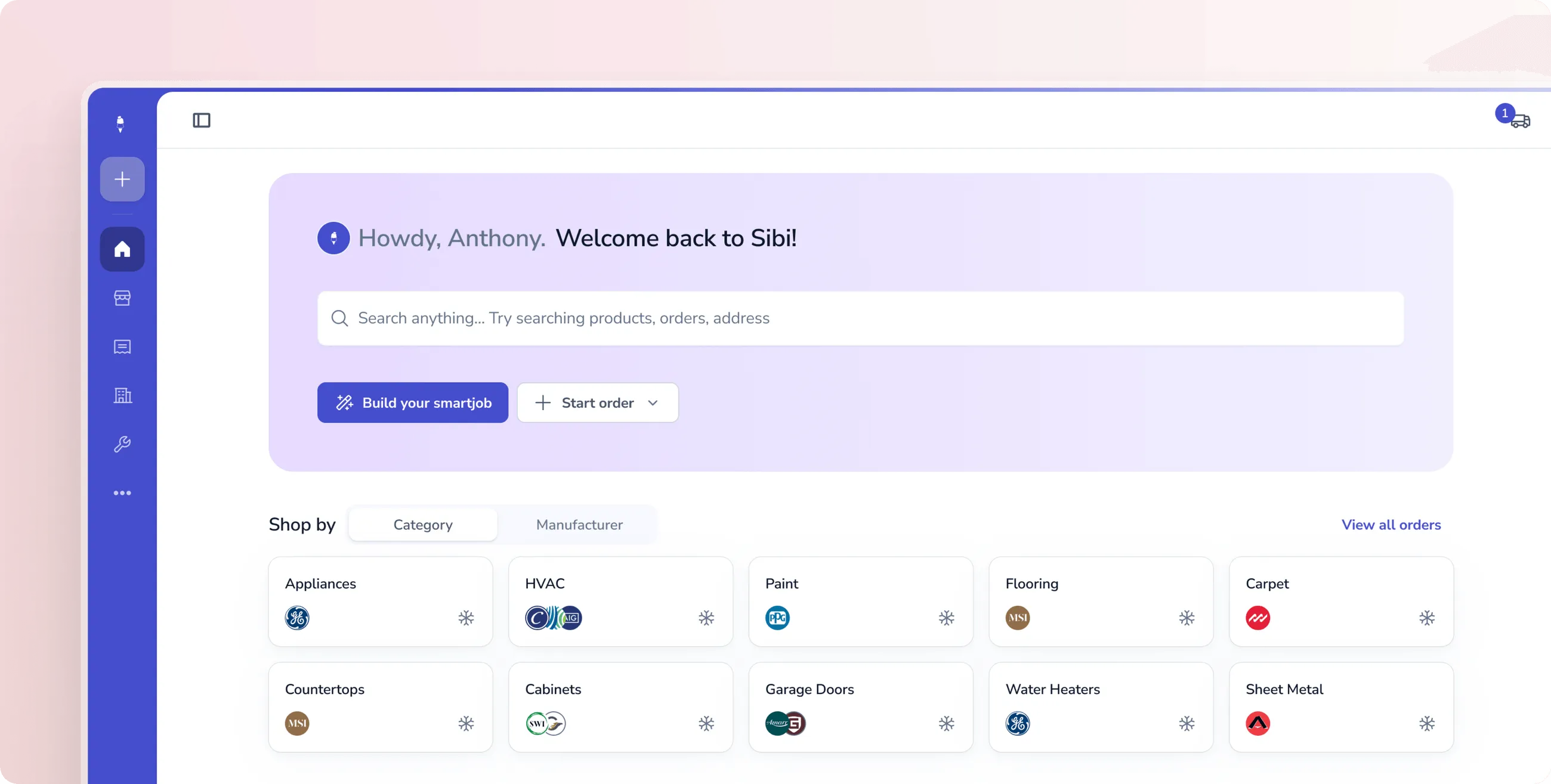
The problem
The work order closes. The unit doesn't.
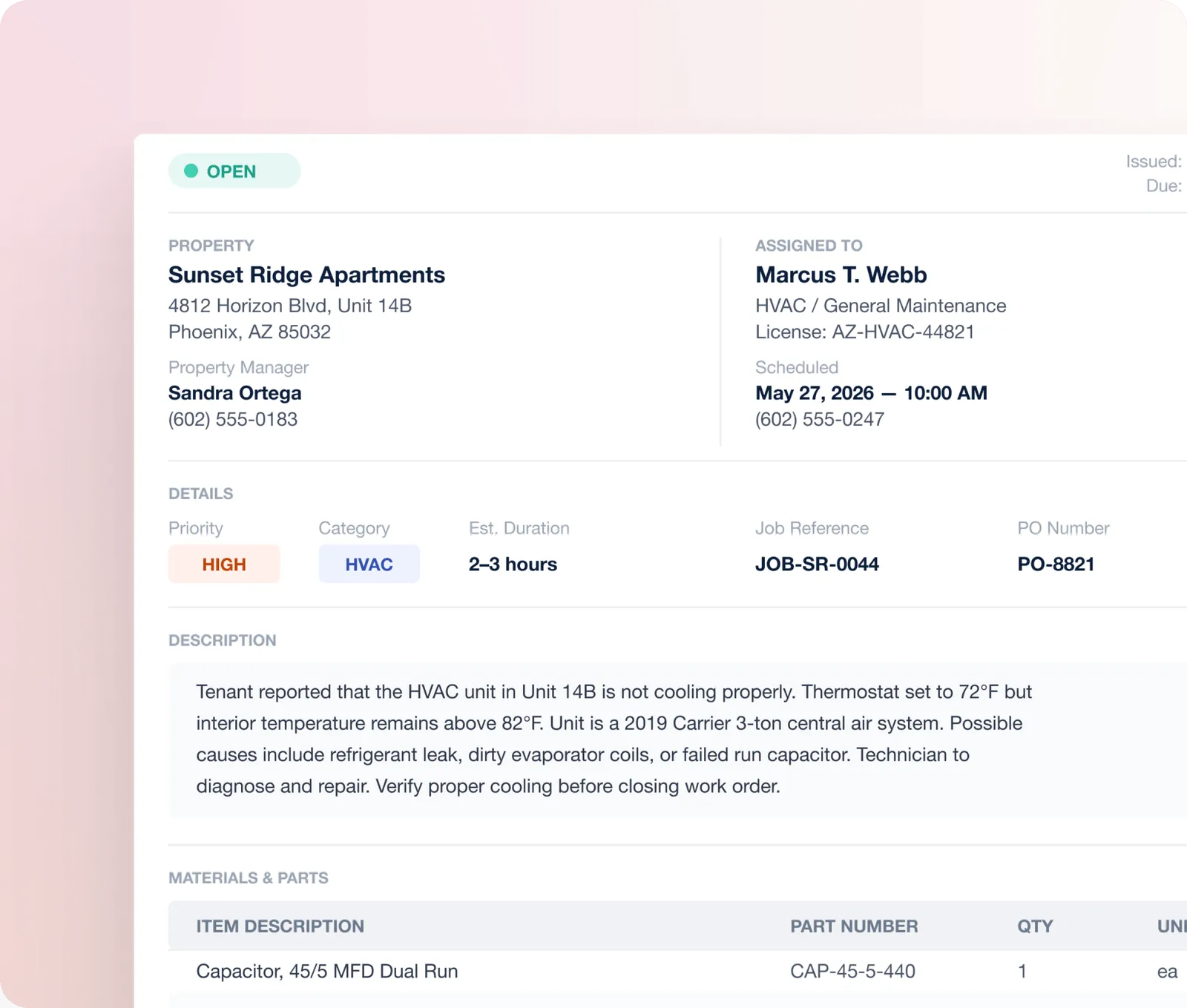
A turn gets scheduled. The appliance order goes to one vendor, the paint to another, the fixtures to a third. Nobody owns the full picture. Something doesn't arrive. The unit sits.
That's not a vendor problem. It's an intelligence layer problem. When purchasing has no memory: no compliance rules, no asset records, no delivery visibility. Every gap gets discovered the hard way.
How it works
Every purchase connected to everything it touches.
From the moment a turn is scheduled to the day finance closes the books, Sibi connects every order to the unit, the vendor, the asset, and the spend record it belongs to.
Smart Shop
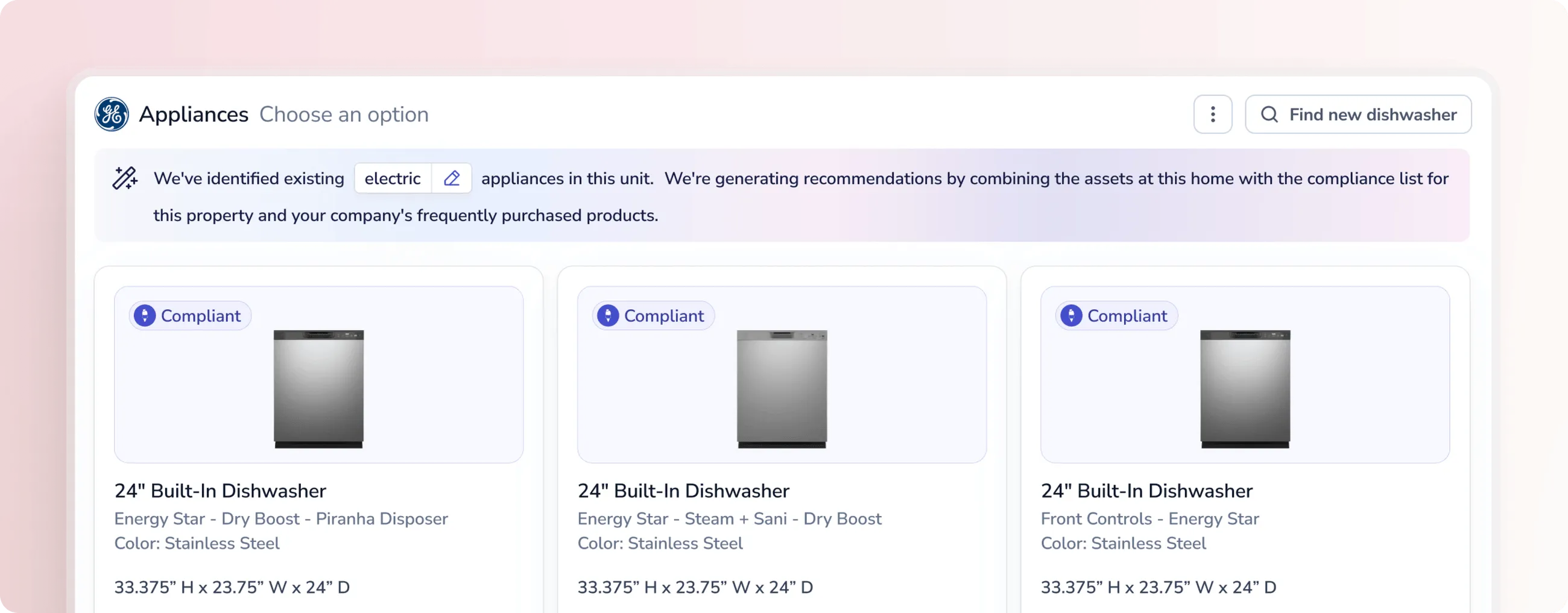
Enter the property address and select a job type. Smart Shop surfaces compliant recommendations for appliances, paint, and HVAC, matched to the unit's specs and your org's vendor standards. Compliant order placed in seconds, without spec checks or back-and-forth approvals.
Parts ordering
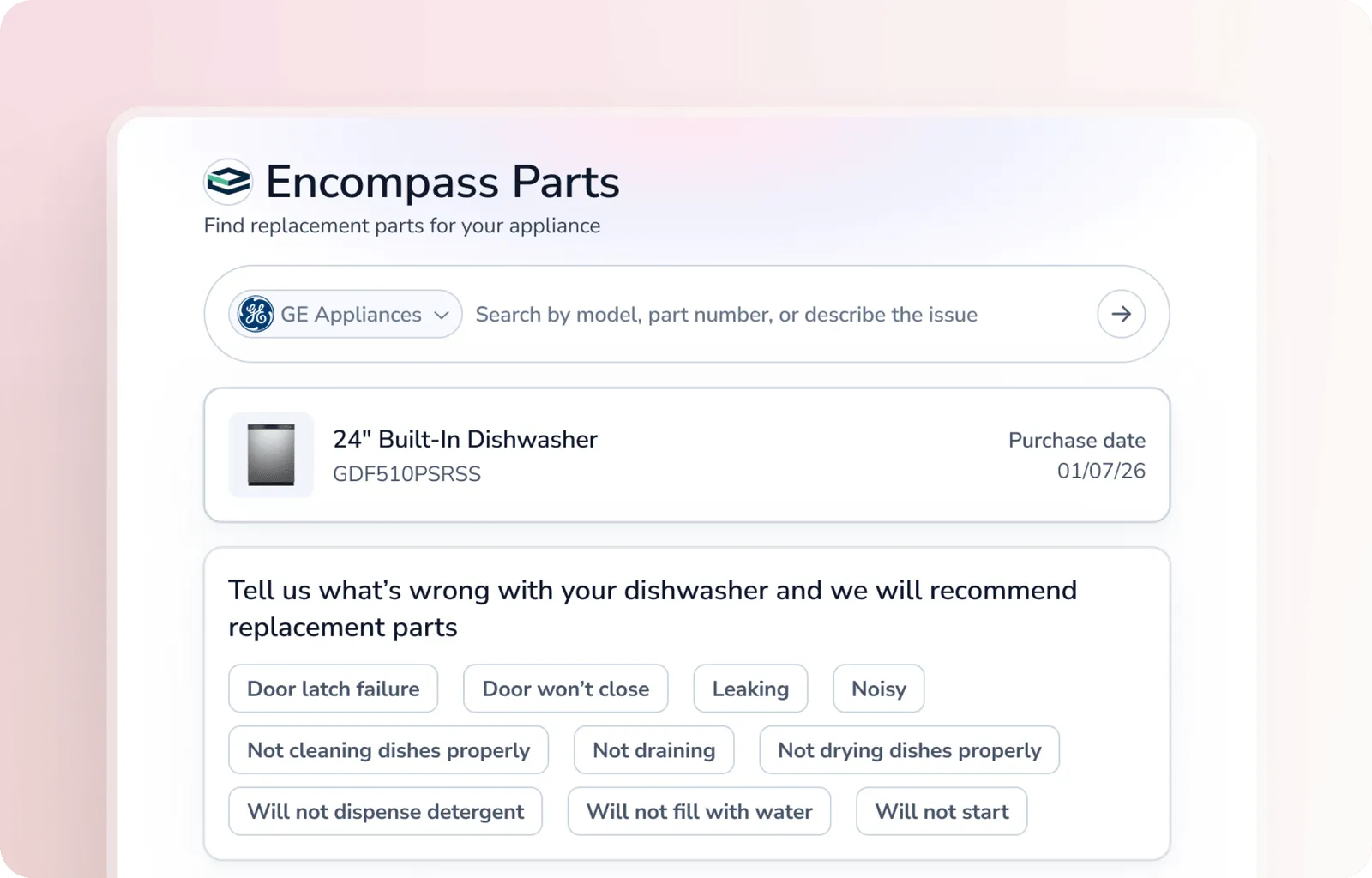
Order filters, belts, fittings, and repair parts the same way you order appliances — manufacturer-direct, tied to a unit and a work order. When maintenance needs a part, it goes through the same compliant workflow as everything else on the platform.
Delivery you can track
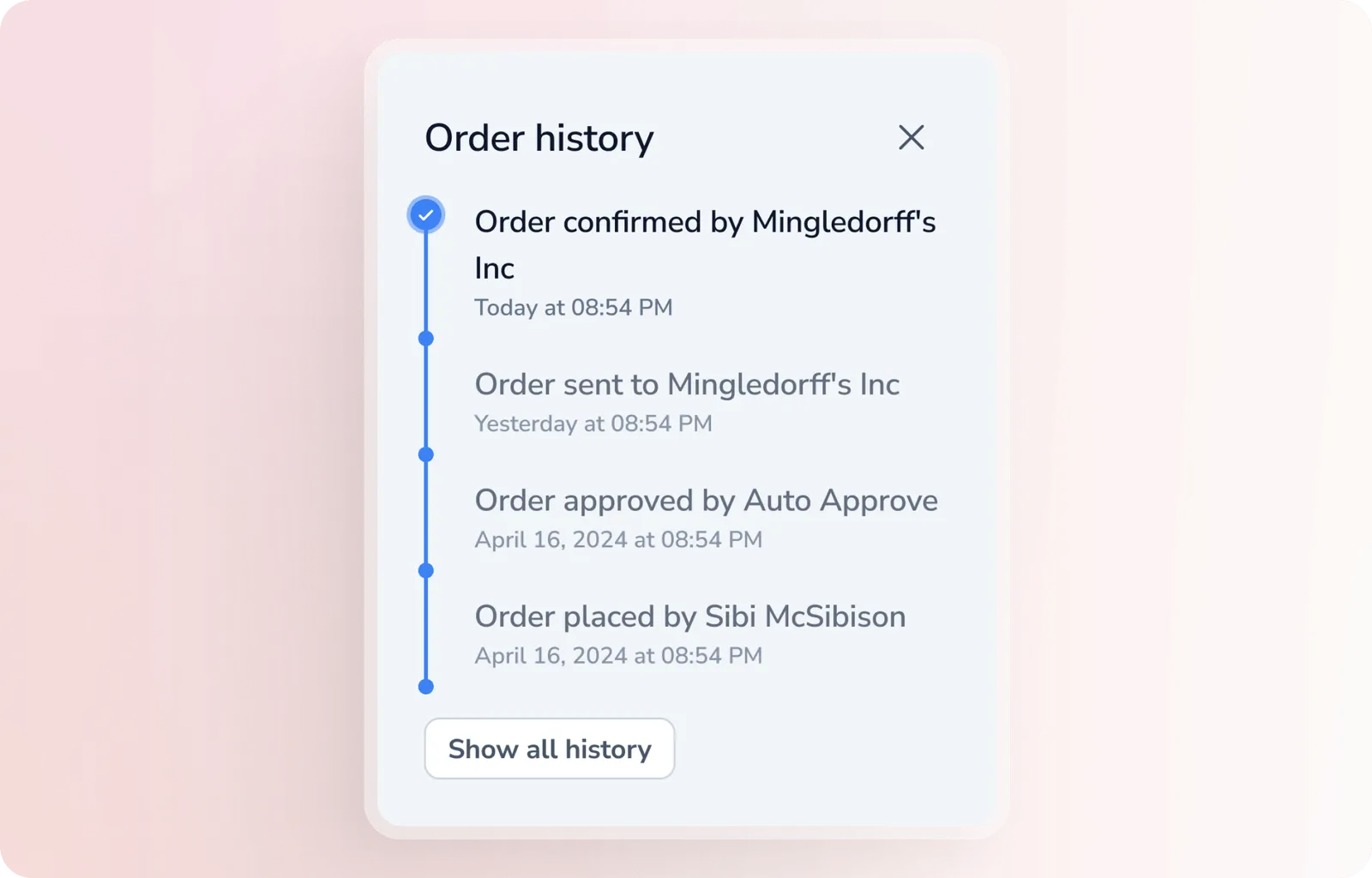
Know where an order is before the crew asks. Sibi tracks status from purchase through delivery. It flags exceptions before they become a delayed turn. Problems surface in the system, not when the job fails to start.
Asset intelligence
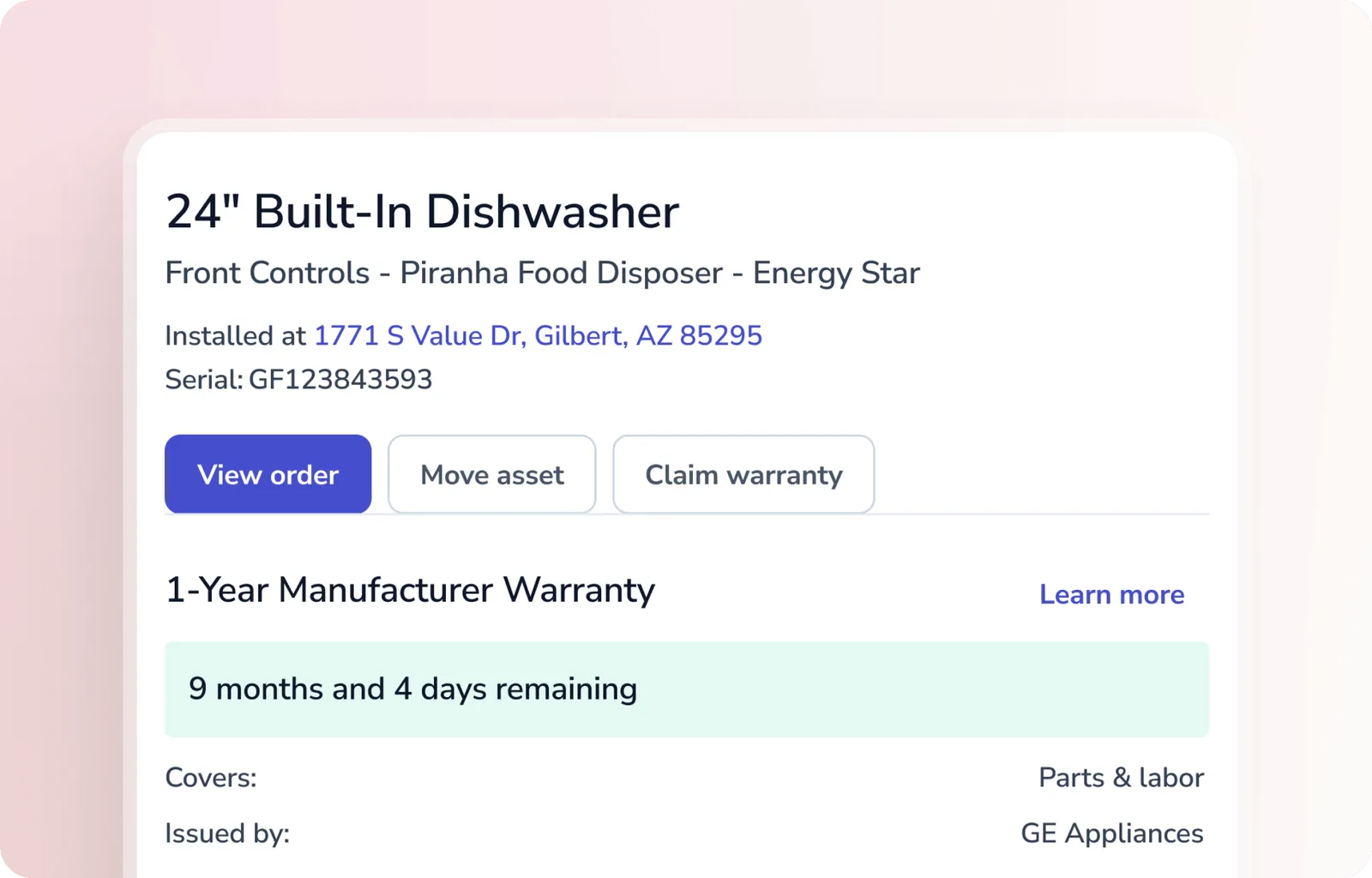
When a maintenance call comes in, the asset record is already there. What model, when it was installed, what's covered under warranty. Claims are filed and tracked through the same record, not a separate system.
Spend visibility
See what's being spent by property, by category, by vendor with Buscar. Leadership can see it. Finance can close against it. You're not waiting for a quarterly export to understand where the money went.
Learn more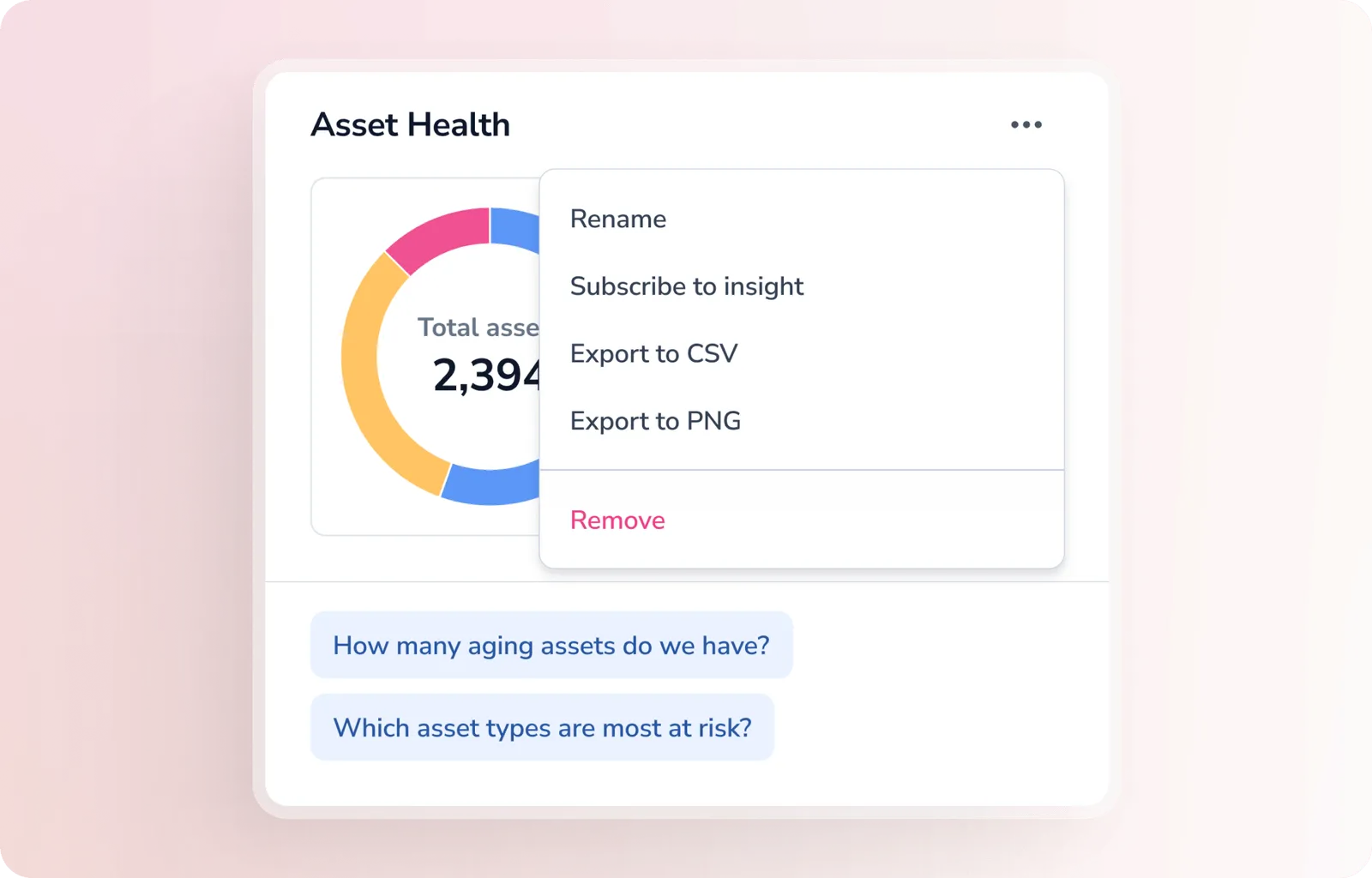
New from Sibi
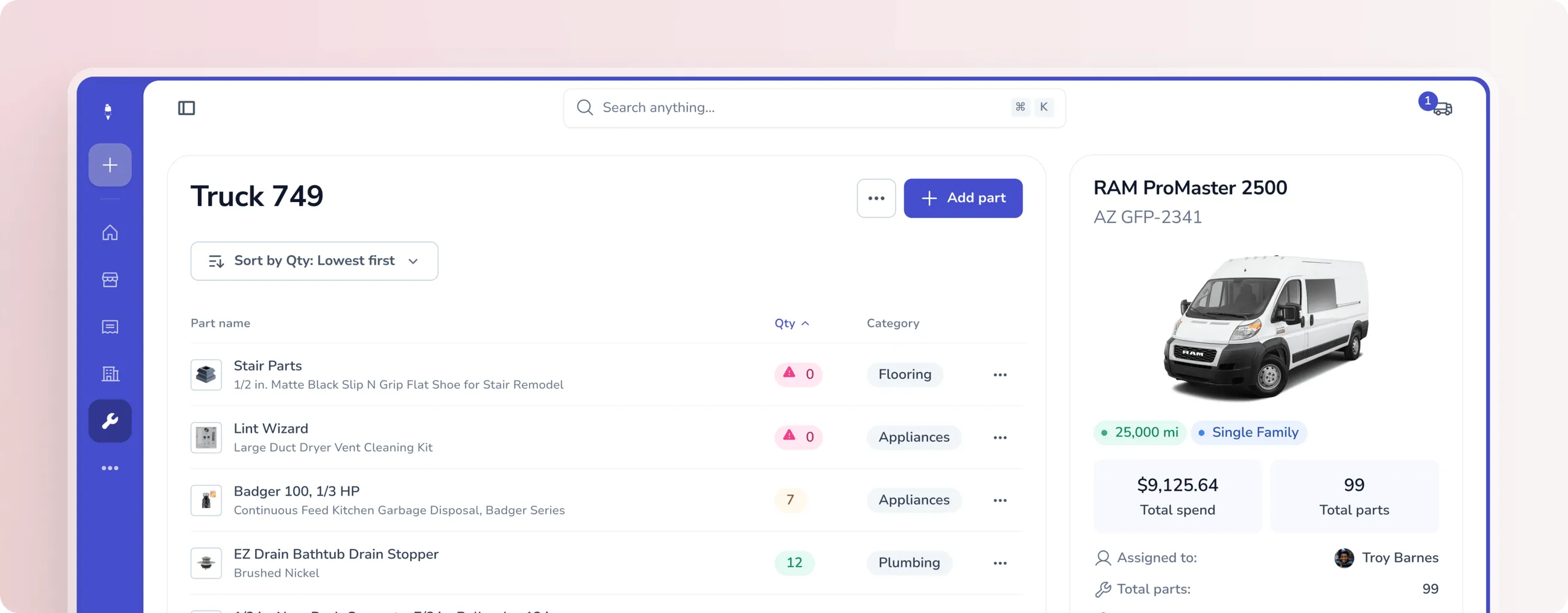
Know what's on every truck before the job starts.
Field tracks van inventory in real time. A maintenance tech scans a part out, the count updates, and the part ties to the property and work order automatically. When stock hits the minimum, a restock order fires through manufacturer-direct procurement.
Who it's for
From 50 units to 50,000.
The same compliance standards, asset records, and spend visibility. Built for every portfolio size.
Apartment operators
Smart Shop replaces manual turn ordering with property-specific recommendations for appliances, paint, and HVAC, placed in seconds.
Regional operators
Sibi standardizes purchasing across every market, with compliance enforced at checkout and spend visible by property.
Institutional portfolios
Large-format builds with extended material lead times. Full order tracking from BOM through delivery.
Frequently asked questions
Learn more about Sibi
Everything you need to know before you switch.
What is multifamily procurement?
Multifamily procurement is how apartment operators buy what their units need: appliances, paint, flooring, HVAC and repair parts, for turns and emergency replacements. Done well, every property buys the same approved products, each order ties to the unit and work order, and finance sees spend by property. Sibi runs that in one place.
What should multifamily procurement software do?
Four things: apply your approved products and vendors at checkout, match each order to what's installed in the unit, track delivery to the door, and show spend by property, category and vendor. Sibi does all four, and it's free for buyers.
How does Sibi handle material ordering for turns?
Smart Shop generates property-specific recommendations for appliances, paint, and HVAC. Enter the property address, select the job type, and place a compliant order in seconds. Recommendations are matched to the unit's specs, your org's approved vendor list, and past order history. No manual spec checks, no back-and-forth approvals.
How does Sibi reduce unit turn times?
Sibi ties orders to specific units and tracks delivery status in real time. Fewer surprises at the unit means fewer days lost to rescheduling.
How does Sibi handle vendor compliance?
Approved vendors and products are set at the platform level. When your team places an order, they're only seeing what they're allowed to buy. Compliance isn't a policy to enforce after the fact. It's built into where the order gets placed.
Does Sibi connect to our property management or accounting system?
Sibi connects via API and webhooks. Take a look at our docs here.